





Spring break often gets misunderstood.
College students, risky choices, and stories beginning with "we thought it was a good idea back then…"
But adults make their own spring break errors, too—they just tend to be more subtle and usually tech-related.
You're trying to enjoy quality time with your family, but work lingers. So you rush, multitask, and say, "I'll just handle this quickly."
That's where trouble sneaks in.
Here are the top tech mistakes travelers make—and how to avoid bringing back unwanted digital souvenirs.
Beware the "Free Wi-Fi Happy Hour"
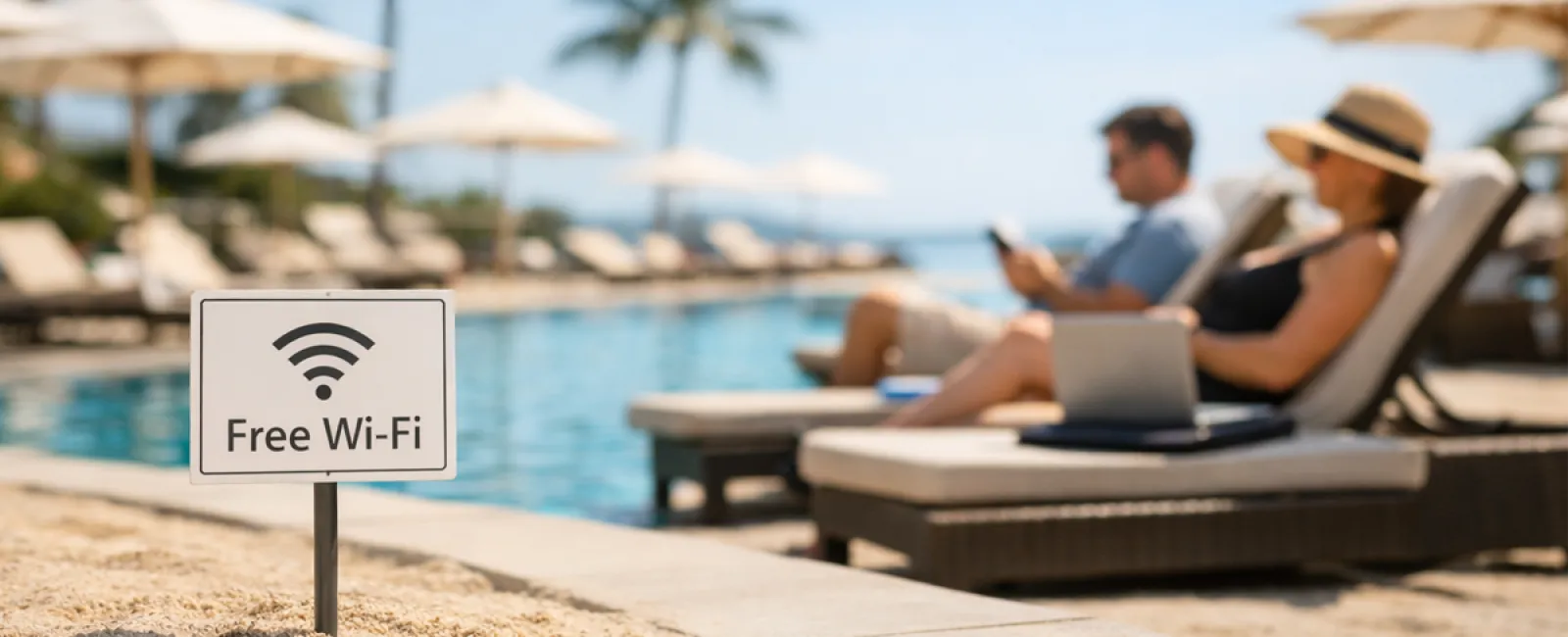
Hotels, cafes, and airports all offer Wi-Fi. You connect without hesitation—just to send a quick email before breakfast ends.
The risk: Fake networks named "HOTEL_GUEST_FREE" could be traps set by hackers nearby, capturing your logins, passwords, and financial info.
The solution: Use your phone's personal hotspot for sensitive tasks. If you must use public Wi-Fi, confirm the exact network name at the front desk.
Steer Clear of the "March Madness Streaming Trap"
The tournament is streaming, but the hotel shows golf. You search "free March Madness stream" and click on a suspicious-looking site.
After a few pop-ups, unwanted software downloads without your knowledge—but at least the game's on!
The risk: Malware infections, browser hijacking, and fake sites masquerading as ESPN.
The fix: Always use official streaming apps. If a URL looks odd, close it immediately.
Think Twice Before Saying "Sure, Use My Phone"
Your kid is restless, you hand over your phone loaded with games for a few minutes of calm.
But 45 minutes later, they've downloaded multiple apps, granted every permission, and enrolled in questionable services like "RobuxFreeForever."
The risk: Risky app permissions, accounts linked to your email, and unexpected in-app charges later on.
The solution: Provide a separate tablet for kids' entertainment that isn't connected to your work or financial apps.
Escape the "I'll Just Check Quickly" Work Spiral
One email leads to checking CRM, then accounting software, client portals, and Slack—all over insecure hotel Wi-Fi while your family waits.
The risk: Each login exposes your credentials to potential hackers, especially when rushed.
The fix: Use your personal hotspot for work or ask yourself: Can this really wait two days?
Stop the "I'm in Cabo!" Oversharing
Posting a beach selfie with a location tag and "Here until the 15th! 🌴" announcement.
The risk: Alerting the world your home is empty and you're miles away.
The fix: Share vacation photos after you return. The beach will look just as stunning then.
Beware the "Phone at 3%" Charging Panic
Spotting a USB port at the airport, you plug in your dying phone for a quick charge.
The risk: Juice jacking—charging stations that steal your data while powering your device.
The solution: Carry a portable charger and use your own cable and power brick.
Avoid the "Vacation Password" Trap
You quickly create a simple password like "Beach2026!" for resort Wi-Fi—and end up using it across multiple new accounts.
The risk: One security breach compromises all linked accounts.
The fix: Rely on a password manager to generate unique passwords for throwaway accounts.
Key Takeaway
These mistakes aren't born from carelessness, but from rushing, distraction, and eagerness to enjoy vacation.
That's completely normal.
The aim isn't perfection—it's avoiding those dreaded "oh no" moments after you return home.
Planning Your Spring Break?
If your business already has strong travel protocols, enjoy your getaway.
If you spotted yourself here (no judgment), scheduling a quick 15-Minute Consult could be just what you need.
No pressure or fear tactics—just straightforward advice to keep your vacation carefree.
If this isn't your style, share it with someone whose spring break tech habits could improve.
Click here or give us a call at 804-796-2631 to schedule your free 15-Minute Consult.


