



You're three hours into a five-hour drive up I-95 to visit family for the holidays. Your daughter asks, "Can I play Roblox on your laptop?" Your work laptop. The one with client files, payroll info, insurance documents, case notes — the digital backbone of your business.
You're exhausted from packing, you've got miles to go, and keeping her entertained sounds great. What's the harm?
Here's the thing: holiday travel creates security vulnerabilities you don't face in your normal Richmond routine — when you're in your office in Innsbrook, your shop in Midlothian, your firm downtown, or your plant in Chesterfield.
During travel, you're distracted, tired, juggling family and work, and connecting to unfamiliar networks from hotels in Virginia Beach to cabins in Wintergreen.
Whether you're traveling for business, family, or that awkward mix of both, here's how to protect your data without ruining anyone's holiday.
Before You Leave: The 15-Minute Prep
Take 15 minutes before you hit the road — it's cheaper than any breach.
Device basics:
- Install all security updates
- Back up important files to the cloud
- Enable automatic screen locking (2 minutes max)
- Activate "Find My Device"
- Charge your portable power bank
- Pack your own charging cables (airport kiosks = bad news)
The family talk:
- Explain which devices are okay for kids to use
- Set up a separate family tablet for entertainment
- If absolutely needed, create a restricted user account (not your admin profile)
Richmond pro tip:
A $150 iPad from Short Pump Costco is cheaper than a data breach — seriously.
Hotel WiFi: Everyone's Using It Wrong
You check into the Williamsburg hotel or a Virginia Beach resort.
Everyone connects instantly — the kids on tablets, your spouse on email, you on your laptop prepping for a Monday meeting downtown.
The problem?
Hotel networks are shared by hundreds of strangers. And some aren't there for holiday cheer.
Real scenario:
A Richmond family connected to what looked like hotel WiFi near the RIC Airport.
It was a fake network set up from the parking lot.
Within 48 hours, their browsing, passwords, and emails were captured.
How to stay safe:
✔ Ask the front desk for the exact network name
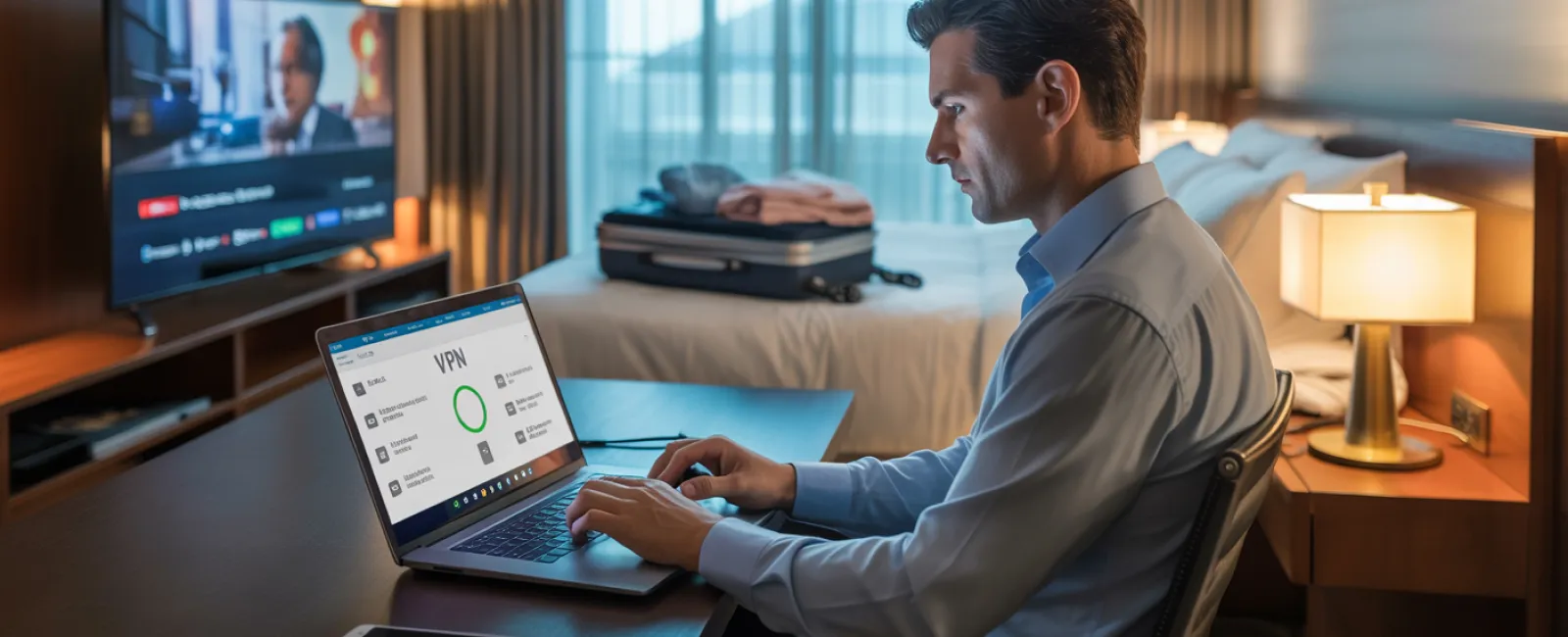
✔ Use a VPN for anything work-related
✔ Use your phone's hotspot for banking or client data
✔ Let kids stream on hotel WiFi — but you stick to your hotspot
The "Can I Use Your Laptop?" Problem
Your work computer has access to everything — client portals, EMR systems, legal files, insurance portals, vendor logins, QuickBooks, payroll.
Kids?
Kids download things. Kids click things. Kids don't read warnings.
Not malicious — just… kids.
The solution:
✔ Don't let kids use your work laptop
✔ Provide a family device instead
✔ If you must share:
- Create a restricted user account
- No downloads
- No saved passwords
- Clear browsing after
Streaming on Hotel TVs: The Log-Out Trap
You log into Netflix on the hotel TV.
The next morning, you forget to log out.
Now the next guest has:
- Your Netflix account
- Your email (if it's tied into login)
- Your password pattern
…and if you reuse passwords (you shouldn't), that opens real doors.
Fixes:
- Cast from your phone instead
- Set a phone reminder to log out before checkout
- Or download shows ahead of time and skip the TV completely
Never log into hotel TVs with:
- Email
- Social media
- Work apps
- Banking
- Anything tied to payment information
If a Device Goes Missing
Holiday travel is chaos — especially through RIC security or juggling bags at Short Pump Town Center.
In the first hour:
- Use "Find My Device"
- Lock it remotely
- Change critical passwords
- Notify your IT provider or MSP
- Revoke company system access
If client data might be involved, follow your industry's reporting guidelines.
Before travel, make sure devices have:
✔ Strong password protection
✔ Remote tracking
✔ Encryption
✔ Remote wipe enabled
The Rental Car Data Trap
Rental cars from RIC, Staples Mill, or the Richmond Enterprise lots often store your phone data automatically.
That means:
- Contacts
- Recent calls
- Text previews
- GPS history
Before you return the car:
✔ Delete your phone
✔ Clear GPS history
✔ Skip connecting entirely if possible
The "Working Vacation" Boundary Problem
You promised yourself this was family time…
but now you've checked email 47 times, taken three calls, and knocked out a "quick" proposal while everyone else is at Busch Gardens' Christmas Town.
Aside from guilt, this is when you make mistakes:
- Connecting to unsafe WiFi
- Clicking something too fast
- Missing signs of phishing
Better approach:
- Check work email twice daily — on a schedule
- Use hotspots for work tasks
- Don't work in public lobby areas (shoulder surfing is real)
- Be fully present when you're with family
The best cybersecurity tool? Being rested.
The Holiday Travel Security Mindset
The goal isn't perfection.
Life happens.
The goal is intentional risk management:
- Prepare devices before you leave
- Know what's risky
- Keep work and family tech separate
- Have a recovery plan
- Say "No, not on this device" and mean it
Make This Holiday Memorable for the Right Reasons
The holidays should be about your people — not about scrambling to explain a preventable data breach.
A little prep now keeps your business safe and your family happy.
Want Help Creating a Travel-Safe Cyber Policy for Your Team?
Richmond businesses rely on BELNIS to set up secure devices, VPN access, MFA, remote wipe, and practical travel-security policies that employees actually follow.
Book a free security consult here.
We'll help make travel simple — and your network safe.Because the best holiday story isn't
"Remember when Dad's laptop got hacked?


